Build Business Applications
and Admin Panels
Zero intrusion into your application — no traits, no base classes, no code changes. Just YAML configs that work alongside your existing code.
We built NOERD noerd because we needed a Laravel Livewire framework that is completely decoupled from your production code - no traits, no intrusion into your architecture. Just YAML configuration and a standalone panel that exists alongside your code.
Get Started in Seconds
Install noerd with a single command and start building business applications right away. The guided setup creates everything you need — tenants, users, and demo data.
Read the Docs$ composer require noerd/noerd
$ php artisan noerd:install
✓ Default tenant created
✓ Admin user created
✓ Demo data installed
✓ Ready at /noerd-home$ php artisan noerd:make-app
┌ Where should the app be created? ───────────────────────┐
│ Project │
└─────────────────────────────────────────────────────────┘
┌ App Title (display name) ───────────────────────────────┐
│ Inventory Management │
└─────────────────────────────────────────────────────────┘
┌ App Name (unique identifier) ───────────────────────────┐
│ INVENTORY │
└─────────────────────────────────────────────────────────┘
┌ Search for a Heroicon ──────────────────────────────────┐
│ archive-box │
└─────────────────────────────────────────────────────────┘
Created: resources/views/components/inventory-dashboard.blade.php
Route added: inventory.dashboard
Created: app-configs/inventory/navigation.yml
Dashboard files created successfully!
Tenant app created successfully!
App assigned to 1 tenant(s).Create the App
One command registers the app — display title, unique name, and a Heroicon — and scaffolds everything around it: the dashboard component, its route, and the app's navigation.yml. At the end you pick the tenants that get the app. Every prompt is also available as an option for non-interactive use.
$ php artisan make:model Customer -m

  INFO  Model [app/Models/Customer.php] created successfully.

  INFO  Migration [..._create_customers_table.php] created
successfully.use Illuminate\Database\Eloquent\Model;
public function boot(): void
{
Model::unguard();
}Create Model & Migration
noerd builds on plain Eloquent models — create one with its migration exactly as you always would. So you don't have to configure $guarded on every model, it is recommended to unguard them globally in your AppServiceProvider.
Schema::create('customers', function (Blueprint $table) {
    $table->id();
    $table->string('name');
    $table->string('email')->nullable();
    $table->timestamps();
});$ php artisan migrate
INFO Running migrations.
2026_09_03_231433_create_customers_table ........ DONEAdd Columns & Migrate
Add the columns your record needs before you migrate — the generator in the next step reads the finished database table to derive the list columns and the detail form fields. A table with nothing but id and timestamps produces empty screens.
$ php artisan noerd:make-resource Customer

 ┌ Which app should this resource belong to? ──────────────┐
 │ Inventory Management                                    │
 └─────────────────────────────────────────────────────────┘

Created: resources/views/components/customers-list.blade.php
Created: resources/views/components/customer-detail.blade.php

Add list route to routes/web.php? (yes/no) [yes]
Route added: inventory.customers

Add detail route to routes/web.php? (yes/no) [yes]
Route added: inventory.customer.detail

Created: app-configs/inventory/lists/customers-list.yml
Created: app-configs/inventory/details/customer-detail.yml

Add navigation entry to inventory navigation.yml? (yes/no) [yes]
Navigation added to: app-configs/inventory/navigation.yml

Resource files created successfully!Generate the Resource
A single command reads your model's columns and generates the complete resource: list and detail Blade components, the YAML configuration for columns and form fields, both routes, and the navigation entry. It asks before it writes to routes/web.php and your navigation — then the screens are ready to use.
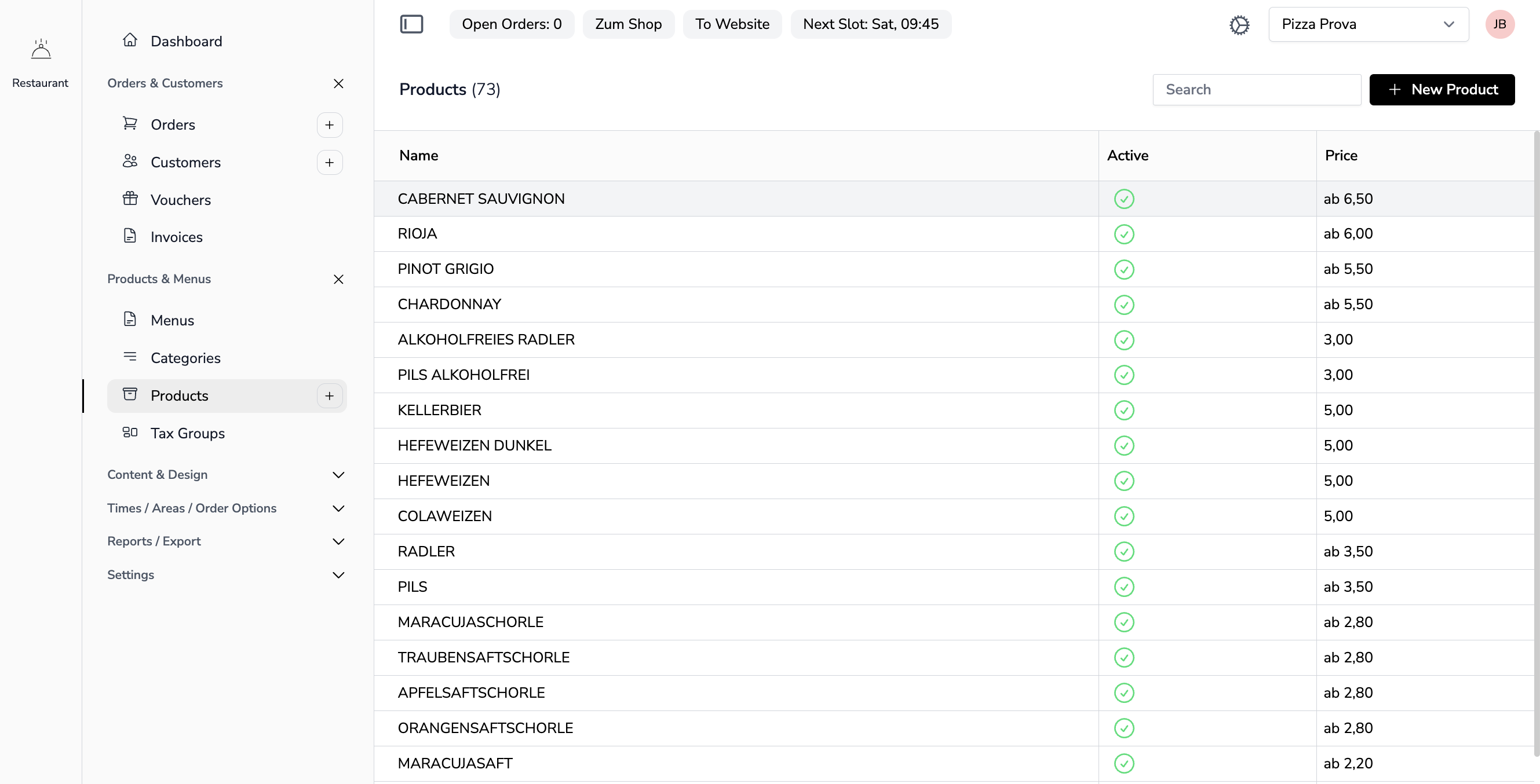
title: Demo Customers
actions:
  - label: New Demo Customer
    action: listAction
disableSearch: false
columns:
  - field: company_name
    label: Company
  - field: phone
    label: Phone
  - field: city
    label: City
  - field: revenue
    label: Revenue YTD
    type: number
Powerful Data Tables
Create feature-rich data tables with minimal configuration. Define your columns and let noerd handle the rest.
- Sortable, searchable columns out of the box
- Define column widths and types declaratively
- Built-in pagination and filtering
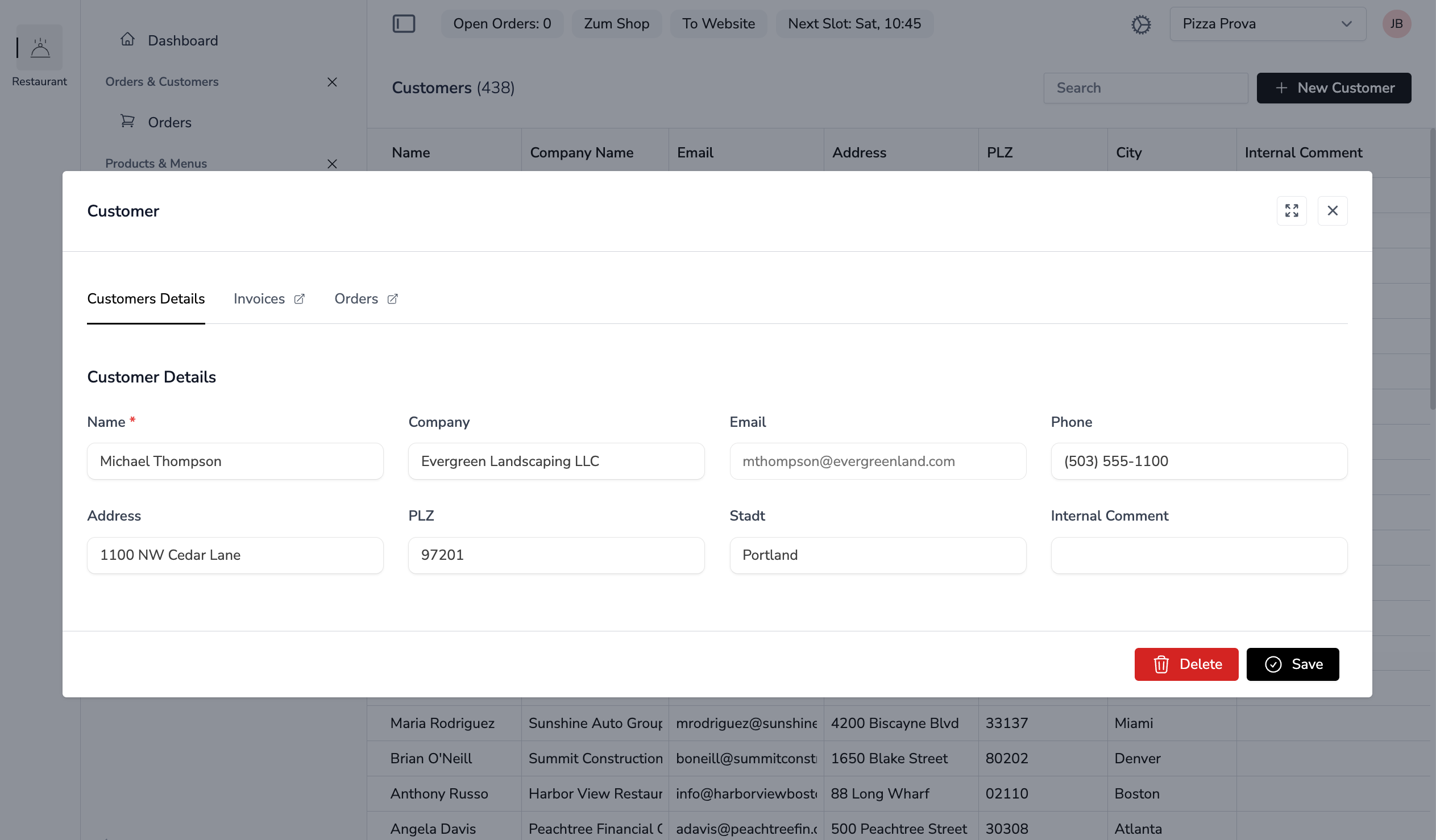
title: Demo Customer
description: ''
fields:
  - name: detailData.company_name
    label: Company
    colspan: 6
    required: true
  - name: detailData.phone
    label: Phone
    colspan: 6
  - name: detailData.address
    label: Address
    colspan: 6
  - name: detailData.city
    label: City
    colspan: 6
Rich Detail Views
Build comprehensive detail pages with tabs, related data, and form validation. Everything configured in YAML.
- Tabbed interfaces with related data
- Form validation and field types built-in
- Embed related lists and components
Two Ways to Build with noerd
For smaller applications, you can develop directly within your existing Laravel project structure. For large, complex business applications, we recommend using modules. Both approaches work seamlessly with noerd.
Directly in Your Laravel App
No package setup needed. Your Blade components live in resources, your YAML in app-configs — like the customers example that noerd:install creates for you.
Perfect for project-specific apps — start building right after installation.
As a Reusable Module
Package an app as its own Composer module with models, routes, views, and configs — like the CMS module in app-modules. Each module keeps its business logic cleanly decoupled from the rest of your application — and can be reused across projects.
Perfect for large business applications — keep your logic cleanly separated and share modules across projects.
Everything You Need
noerd comes packed with features to help you build business applications faster.
Multi-Tenancy
Complete data isolation out of the box. Each tenant has their own data, users, and settings.
YAML Configuration
Declarative lists, views, and forms. Define your UI in simple YAML files instead of writing code.
Livewire 4
Reactive UI without writing JavaScript. Built on Laravel Livewire for a seamless developer experience.
Lists & Detail Views
Complete CRUD functionality in minutes. Define lists and detail views with sorting, filtering, and forms.
Multi-Language
Built-in translation management. Support multiple languages with easy-to-use translation tools.
Modular Apps
Build custom apps as optional modules. Assign them to specific user groups or tenants as needed.
Flexible Navigation
Hierarchical menu system with icons, nested groups, and automatic translation support.
Smart Field Types
Relations, dynamic picklists, and setup collections. Define once in the backend, use everywhere.