Installation
Noerd Package
noerd is a Laravel Livewire boilerplate for building admin panels and business applications. It provides a solid foundation with multi-tenancy, declarative configuration, and a library of ready-to-use components.
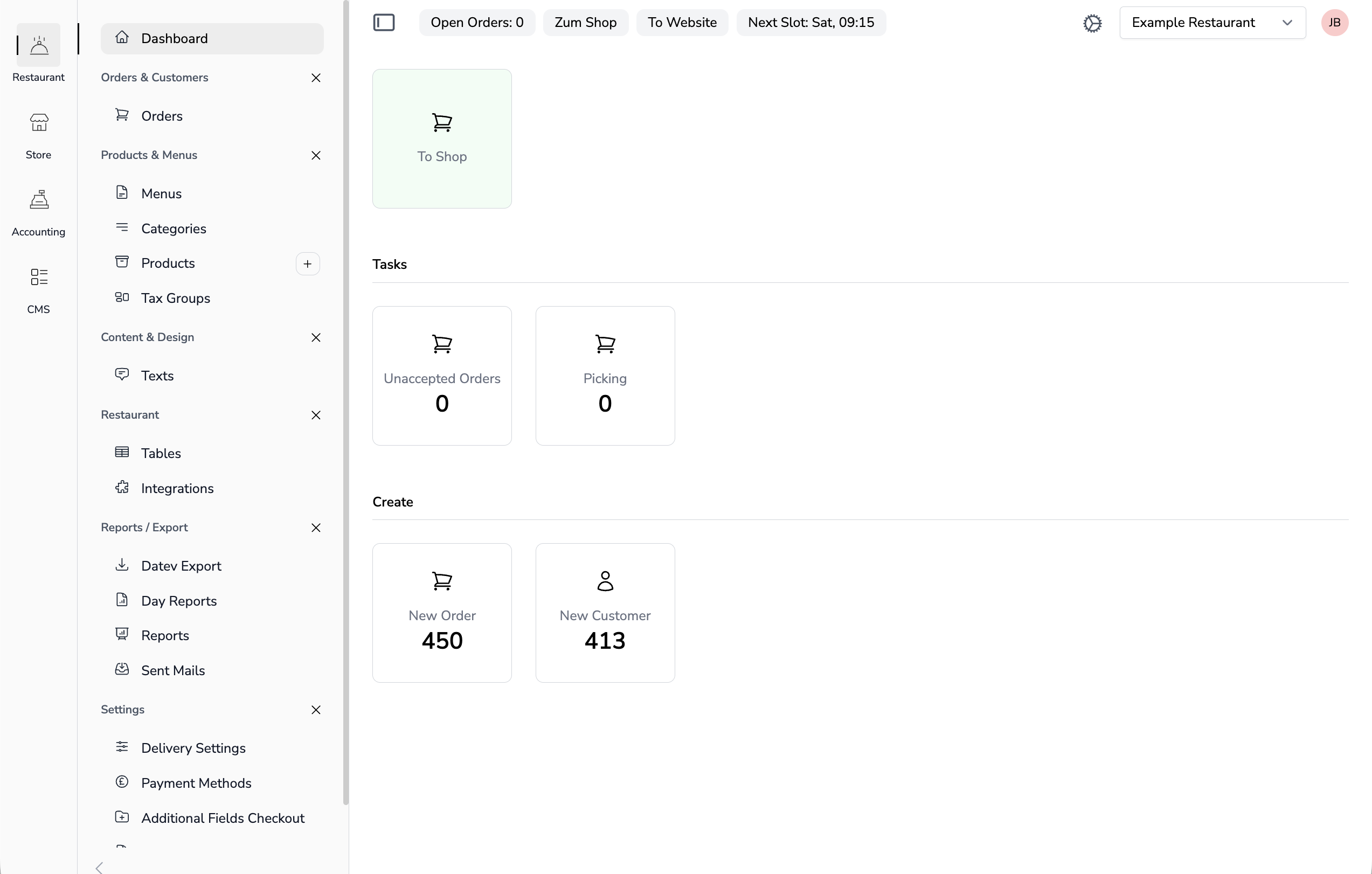
Core Features
- Multi-Tenancy — Built on a flexible multi-tenant architecture with complete data isolation. Users can belong to multiple tenants, manage environments like development, staging, and production, and handle multiple clients or enterprise groups from a single installation.
- YAML-Based Configuration — Define lists, detail views, forms, and navigation through simple YAML files. Customize your instance without touching code—just configure tables, detail-views, and navigations to fit your needs.
- Multi-Language Admin Panel — A fully translatable interface with built-in language management.
- App Management — Create custom business apps for purchasing, sales, or any department. Alternatively, use ready-made apps like Booking or CMS to get started quickly.
- AI-Powered Development — An AI-ready boilerplate designed for rapidly building apps and tools. The YAML-driven architecture enables AI assistants to generate and modify components efficiently.
Install Noerd
composer require noerd/noerd
php artisan noerd:install
The install command can be run in a fresh or an existing Laravel application. During installation, you will be guided through the following steps:
- Create a default tenant — Your first organization or environment.
- Create an admin user — Or assign an existing user as admin.
- Install demo data (recommended) — Sets up a fully working Demo Customers app with model, migration, YAML configuration, and navigation — so you can explore Noerd's features right away.
If you skip any of these steps, you can run them later with the respective Artisan commands.
Created Tables
| Table | Description |
|---|---|
users |
User accounts (if not already exists) |
user_settings |
User settings (language, selected tenant) |
user_roles |
User roles per tenant. One User can have many roles |
tenants |
Tenants / Organizations / Environments |
tenant_apps |
Available apps which can be assigned to tenants |
profiles |
Role profiles (ADMIN, USER, etc.) One User has one profile |
setup_collections |
Dynamic data collections |
setup_collection_entries |
Entries in collections |
Verification
You should now have access to /noerd-home with your created user. If you installed the demo data, you will see a working Demo Customers app with a list and detail view — ready to explore and use as a reference for building your own apps.
Next Steps
Continue with Create an App to create your first own app.